OpenClaw Field Notes — Issue 014
Define the Object Before You Automate It
Shipped 01 — M365 Ops
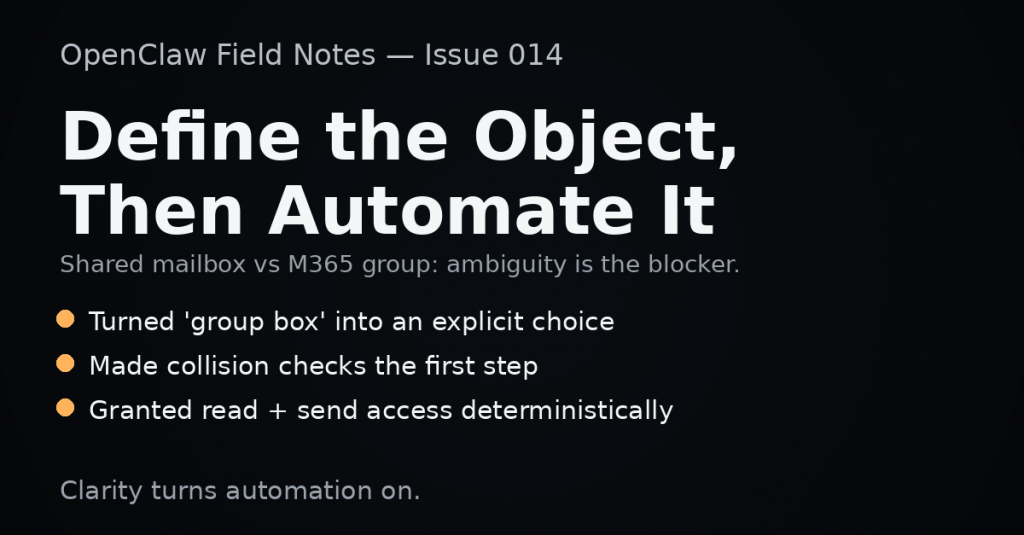
Mailbox creation runbook tightened — turned “create a group box” into a repeatable choice: shared mailbox vs Microsoft 365 group mailbox.
Shipped 02 — Guardrails
Collision checks made explicit — added the first-step lookup so “email already used” doesn’t become a dead end.
Shipped 03 — Delegation
Access configured deterministically — ensured the right person could read + send from the mailbox without relying on guesswork.
TL;DR
We didn’t get blocked by Microsoft 365 this week. We got blocked by ambiguity.
So we did the operator work: clarify the object, check for collisions first, then run the exact steps that reliably produce the mailbox + the permissions you actually meant.
Content Note
Progress is often a definition problem. Once the system knows what you mean, the automation becomes straightforward.
What We Shipped / Moved Forward
1) M365: “Group Box” vs Shared Mailbox
What was broken: the request sounded simple, but the term didn’t map cleanly to a single M365 object. A Microsoft 365 group mailbox and a shared mailbox behave differently, are provisioned differently, and have different operator costs.
What changed: we turned the request into a clear operator choice: if you want a group workspace + mailbox, you want a Microsoft 365 group. If you want a license-free mailbox with delegation semantics, you want a shared mailbox.
Why it matters: automation can’t outpace clarity. If the object type is wrong, everything downstream feels broken.
2) Collision Checks: Make the Invisible Visible
What was broken: the classic M365 dead-end: “email address already in use” even when you can’t find the recipient in the admin UI.
What changed: we made the collision check a first-class step: query recipients by email aliases first, then create. That turns a mysterious failure into a solvable one.
Why it matters: most operator time is wasted on invisible collisions. A 30-second check prevents a 30-minute rabbit hole.
3) Delegation: Read + Send Without Drama
What was broken: mailboxes are easy to create; it’s the permission surface that tends to break in practice (“I can see it but I can’t send,” or vice versa).
What changed: we used the deterministic permission pattern: grant read/full access and send-as explicitly to the intended operator.
Why it matters: delegation is the difference between “it exists” and “it works for the person who needs it.”
Field Notes
- Words aren’t requirements. Translate the phrase into the actual object you mean.
- Collisions are silent. Add a lookup step so the system tells you what it knows.
- Graph vs Exchange is a boundary. Some operations live in Graph, others live in Exchange cmdlets.
- Delegation is part of provisioning. If you didn’t grant access, you didn’t finish the job.
Principle of the Week
Define the object before you automate it.
Most systems don’t fail because they can’t do the work. They fail because nobody agreed on what the work was.
- Keep hardening M365 runbooks (provisioning + delegation + collision checks)
- Move more ambiguous requests into explicit operator choices (so systems can be deterministic)
- Continue pushing work into reliable “one place” workflows
Work With Us
If your automation keeps breaking because requirements are ambiguous or permissions are brittle — reach out.
OpenClaw Field Notes is our weekly execution log — written for prospects and partners. Outcomes and momentum, without sensitive internals.
AI is a tool. Humans remain accountable.